
Online Software Updates
Up to date – for your perfect driving experience.
Everything you need to know about online software updates
Why should I use online software updates?
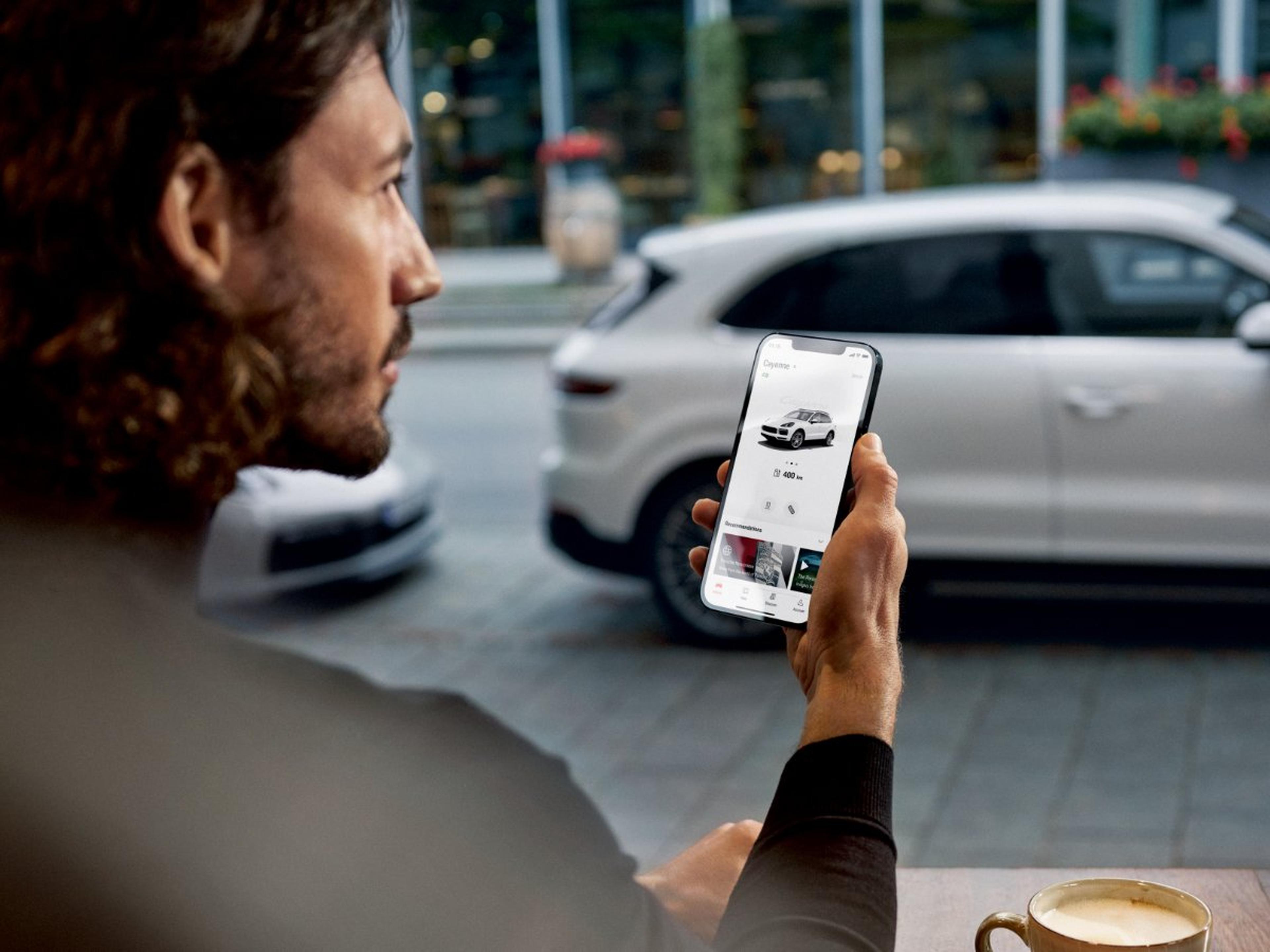
You can easily perform online software updates yourself. Safe, convenient, user-friendly automatic downloads – just like on your smartphone. This smart service complements the conventional service, saves you valuable time and ensures an outstanding driving experience. Online software updates in your Porsche ensure that your vehicle stays up to date and can be enhanced with new features as well as safety and quality-related improvements.

What are online software updates?
Over-the-air updates (OTA updates for short) allow your Porsche to be updated easily, safely and quickly via the integrated data connection. This means you can easily perform the update yourself and benefit from the latest software and the associated improvements and optimisations. Using OTA updates saves you valuable time. You can conveniently perform the updates anywhere without having to make an appointment at the Porsche Centre.
If you need any help with the update, we are here for you: your Porsche Centre will be happy to assist you.
Questions and answers about online software updates
What prerequisites must be met to enjoy the benefits?
To perform an online software update in your Porsche, the following conditions must be met:
Your Porsche is within the reception area of our mobile phone provider during the update.
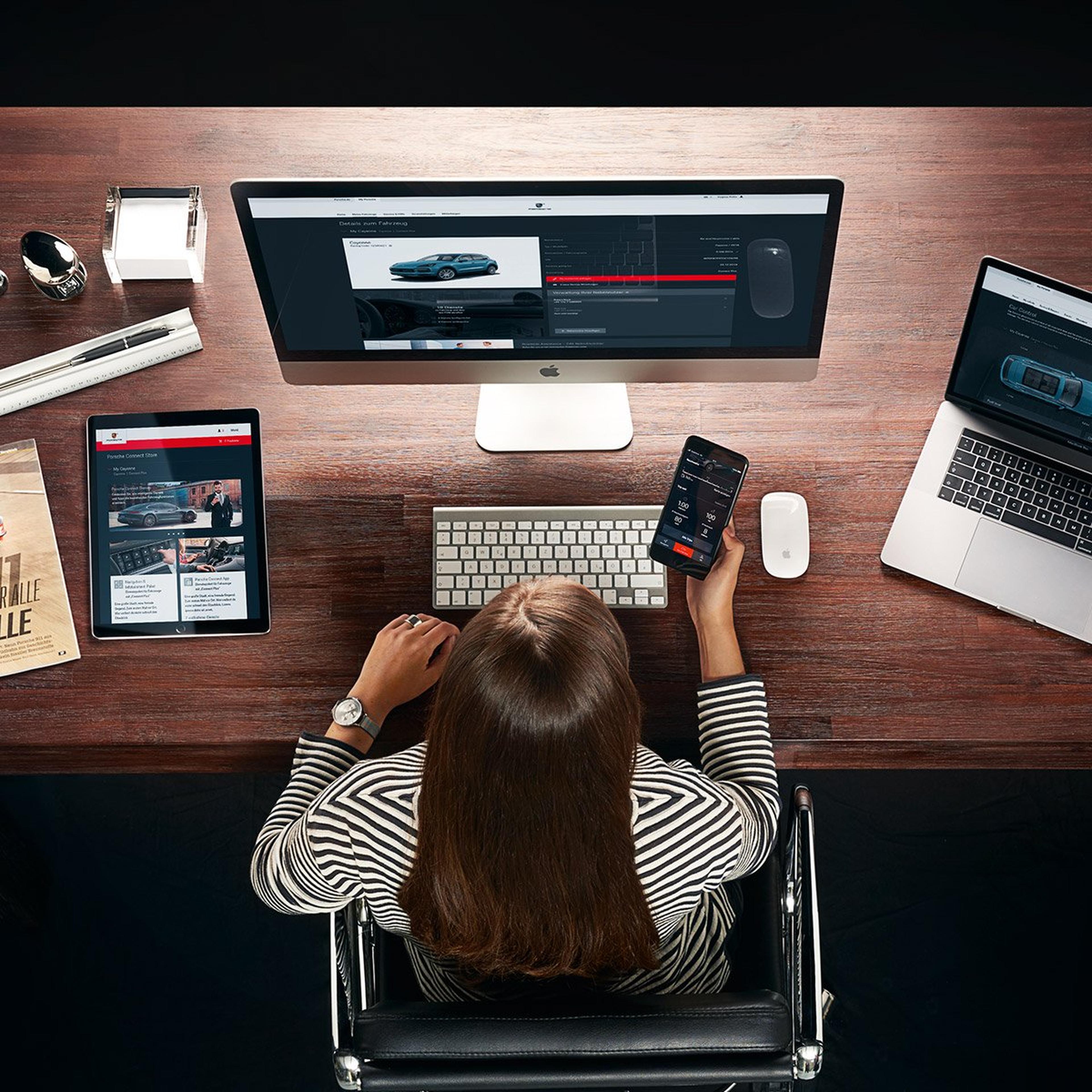
You have a My Porsche account and your personal Porsche ID is linked to your vehicle.
Porsche Connect is enabled.
The online software update service is activated in My Porsche.
Private mode is switched off.
How do I know if an online software update is available?
You are notified in the Porsche Communication Management System (PCM) of your vehicle as soon as an update is available.
How do I install an online software update?
As soon as a new update is available, you will be notified automatically in the Porsche Communication Management System (PCM) and will easily be able to perform the update yourself:
Make sure that the following prerequisites are met*:
The vehicle is parked in a traffic-safe location. The gear selector is set to P and the Electric Parking Brake is activated.
The doors and windows are closed.
The charging plug is not plugged in.
The vehicle is sufficiently charged.
Switch off the vehicle. Before you open the door, the farewell screen appears with a notification about an available online software update. Please read the information carefully. You can start the installation by clicking on the 'Install now' button.
The prerequisites* will now be checked – this can take a few minutes. If these are met, you will be asked to close the windows, exit the vehicle and lock it.
The update will be installed automatically. After the update has been successfully installed, you can use your vehicle again. The system will automatically notify you that the update has been installed.
*Prerequisites may vary depending on the vehicle model.
I closed the update notification: how can I still receive the update?
The installation time will be automatically postponed if you do not confirm the installation or if you click on 'Remind me later'.
What effect does the online software update have on my booked data volume?
The online software update does not impact your personal data volume.
How can I activate Porsche Connect?
You can activate Porsche Connect via the Connect Store.
How can I register as a main user in My Porsche?
You are the main user if you have a My Porsche account and your personal Porsche ID is linked to your vehicle. Your Porsche ID is a verified personal email address that serves as the user name for My Porsche and the Porsche Online Shop.
If you are not yet registered, you can register quickly and easily on this page.
What do I do if the installation fails?
The safety of your Porsche vehicle is always guaranteed. If the installation of an update fails unexpectedly, your local Porsche Centre will be happy to assist you. In rare cases that a safety-related function is impaired by the failed update, the internal protection functions will prevent you from starting your vehicle. For further assistance, please contact your Porsche Centre or the Porsche Assistance Hotline.